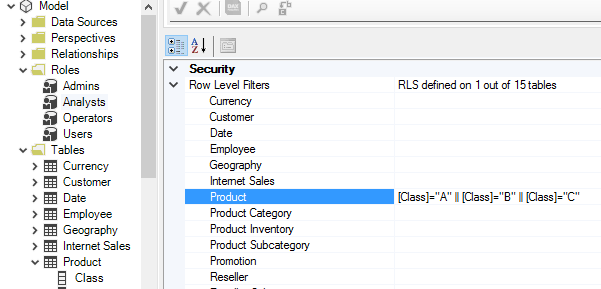
Roles and Row-Level Security
Roles are visible in the Explorer Tree. You can right-click the tree to create new roles, delete or duplicate existing roles. You can view and edit the members of each role, by locating the role in the Explorer Tree, and navigating to the "Role Members" property in the Property Grid. Note that when deploying, the Deployment Wizard does not deploy role members by default.
The biggest advantage of working with Roles through Tabular Editor, is that each Table object has a "Row Level Filters" property, which lets you view and edit the filters defined on that table, across all roles:
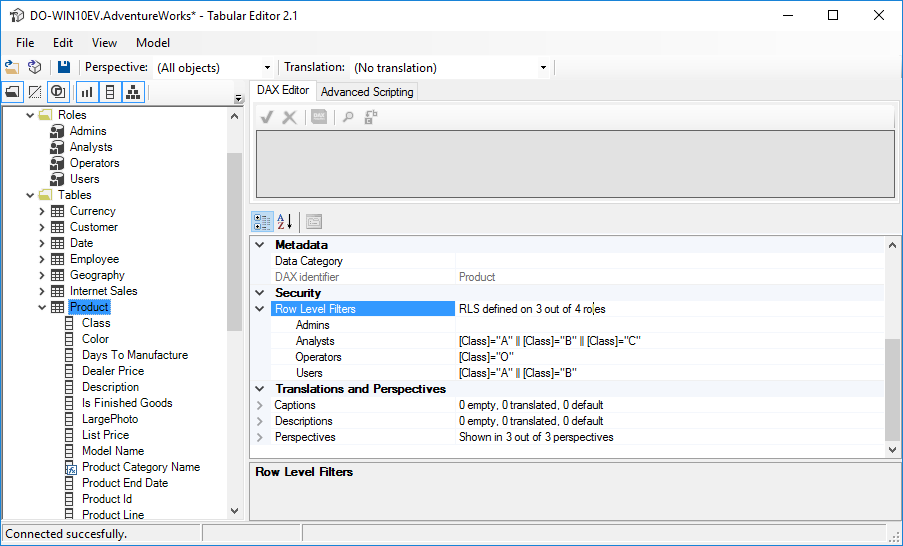
Of course, you can also view the filters across all tables in one particular role, similar to the UI of SSMS or Visual Studio: