编辑隐藏分区 2023-02-21Morten Lønskov Applies to: ✔ Tabular Editor 2 ✔ Tabular Editor 3 脚本用途 在 Tabular Editor 中,计算表格、计算组和字段参数不会显示分区。这是有意为之,因为这些对象通常不应或无法进行编辑。不过,你仍然可以通过下面的脚本片段访问并编辑分区的属性。 脚本 Selected.Table.Partitions[0].Output(); 示例输出 图 1: 输出窗口示例:该窗口会弹出,供用户查看并编辑模型中的隐藏分区。
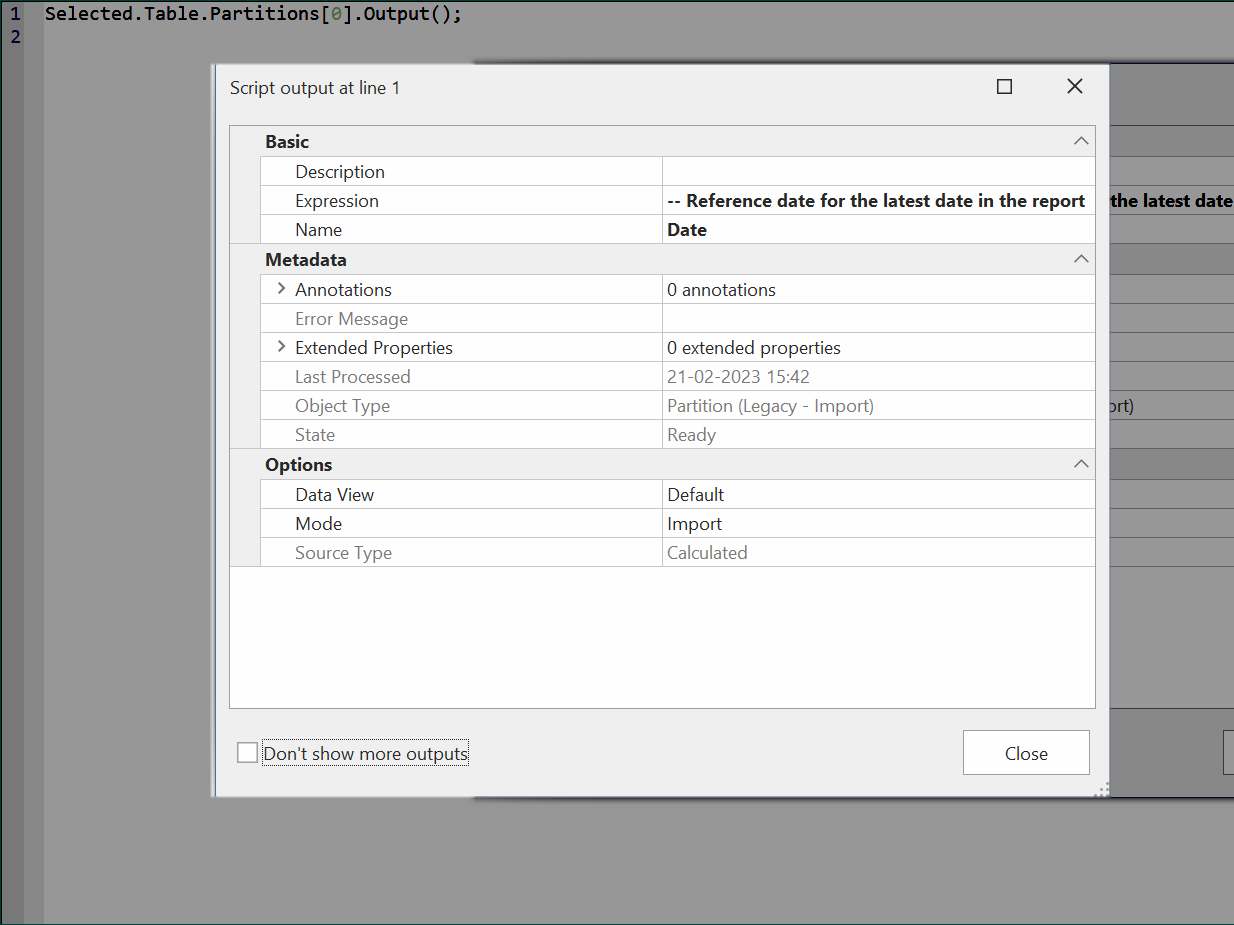 图 1: 输出窗口示例:该窗口会弹出,供用户查看并编辑模型中的隐藏分区。